
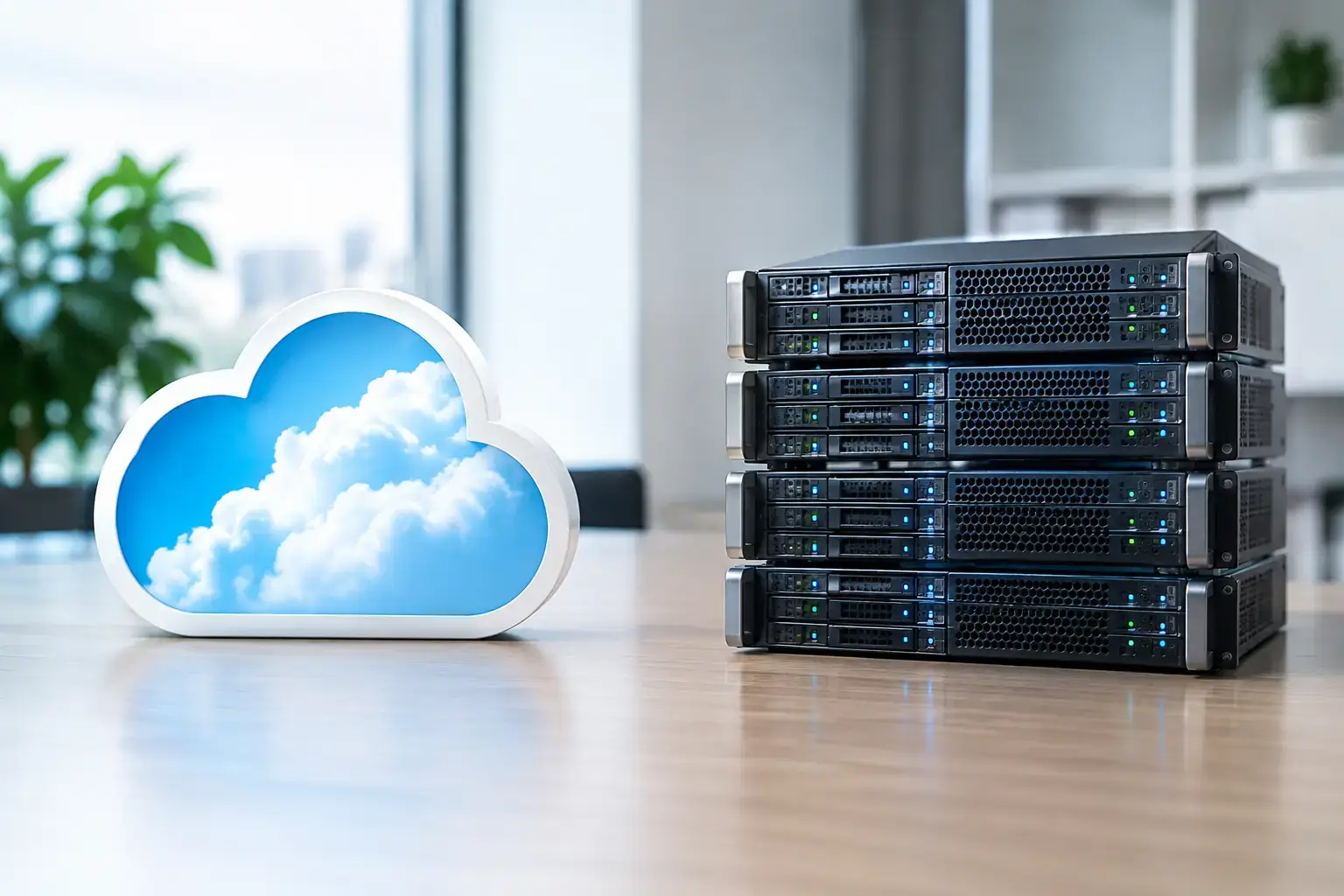
A server failure at 10:00 a.m. can quickly become a business problem, not just an IT problem. Staff cannot access files, customers wait for answers, and deadlines slip while someone tries to determine what broke. The cloud versus physical servers decision affects how often your business faces that kind of disruption, how quickly it can recover, and what it costs to stay productive.
For small and midsized businesses, there is no universal winner. Cloud services can reduce hardware responsibilities and make remote work easier. Physical servers can provide predictable local performance and greater direct control. The right approach depends on your applications, security requirements, internet reliability, budget, and tolerance for downtime.
What Is the Difference Between Cloud and Physical Servers?
A physical server is a piece of hardware located in your office, a data center, or another facility you control. It runs business applications, stores files, manages user access, or handles other workloads. Your organization owns or leases the equipment and is responsible for maintaining it, either internally or through an IT partner.
A cloud server runs in a provider’s data center and is delivered as a service over the internet. Rather than purchasing and operating the underlying hardware, your business pays for the computing resources, storage, and services it uses. Microsoft 365, cloud file platforms, hosted applications, and virtual servers are common examples of cloud-based technology.
The distinction matters because the responsibility model changes. With a physical server, your business is closer to the equipment and carries more responsibility for its lifecycle. With cloud services, the provider manages the data center infrastructure, but your business still needs to manage access, configurations, backups, devices, and cybersecurity.
Cloud Versus Physical Servers: The Business Trade-Offs
The best decision starts with operations, not with a preference for new technology or familiar equipment. A useful question is: what must remain available for your team to serve customers and complete work?
Upfront cost versus ongoing cost
Physical servers usually require a larger upfront investment. Beyond the server itself, costs may include storage, backup equipment, networking, power protection, software licenses, installation, warranties, and replacement hardware. Most servers have a practical lifespan of roughly three to five years before performance, warranty coverage, or compatibility becomes a concern.
Cloud services typically shift more of that spending to a monthly operating expense. This can make costs more predictable and avoid a major capital purchase. However, cloud costs are not automatically lower. Storage growth, additional users, premium security features, and resource-heavy workloads can increase monthly fees over time.
A direct cost comparison should include more than the price of the server or subscription. Factor in administration, backup management, recovery testing, security monitoring, downtime risk, replacement cycles, and the cost of supporting remote users. The less visible costs are often where an apparently inexpensive option becomes expensive.
Performance and application requirements
A physical server can be an excellent choice when teams need fast, consistent access to large files or specialized software. Engineering firms working with large design files, for example, may benefit from local infrastructure. The same may be true for an office with unreliable internet connectivity or an application that requires very low latency.
Cloud servers are well suited to workloads that need flexible capacity, secure remote access, or availability across multiple locations. A growing company can add storage or computing resources without buying another server. Teams that work from home, travel frequently, or operate across offices can also access cloud applications without relying on a single office location.
Performance is not simply a cloud-versus-local question. Internet bandwidth, network design, workstation quality, application architecture, and security settings all affect the user experience. A poorly planned cloud migration can feel slow. So can an aging local server with inadequate storage or memory.
Availability and disaster recovery
A server in your office is vulnerable to more than hardware failure. Fire, flooding, power events, theft, and building access issues can make critical systems unavailable. A local backup stored next to the server may not help if both are affected by the same incident.
Cloud platforms can improve resilience by distributing infrastructure across professionally managed data centers. Many also support geographic redundancy, allowing data or services to remain available if one facility has an outage. That said, availability depends on the service level you purchase and how the environment is configured.
Businesses using physical servers can achieve strong recovery capabilities through offsite backups, redundant hardware, and a tested disaster recovery plan. The key word is tested. A backup that has never been restored is not a recovery strategy. Whether systems are local, cloud-based, or hybrid, recovery objectives should define how much data you can afford to lose and how quickly operations need to resume.
Security and compliance
Cloud providers invest heavily in facility security, infrastructure monitoring, and platform-level protections. Those controls are valuable, but they do not remove your business’s responsibility for security. Weak passwords, excessive user permissions, phishing attacks, unprotected devices, and poor data-sharing practices can still lead to a breach.
Physical servers give organizations more direct control over where systems and data reside. For some regulated businesses, that control is important. It also means the organization must maintain patching, endpoint protection, firewall rules, encryption, backup security, access controls, and logs consistently.
Healthcare, legal, accounting, and nonprofit organizations often need to assess compliance requirements before moving sensitive information. The right question is not whether cloud or physical infrastructure is inherently more secure. It is whether the solution has the appropriate safeguards, documentation, monitoring, and support for the data your organization handles.
When a Hybrid Environment Makes More Sense
Many businesses do not need to choose one model exclusively. A hybrid environment combines local infrastructure with cloud services based on the needs of each workload.
For example, a company may keep a specialized line-of-business application on a local server for performance while using Microsoft 365 for email, collaboration, and document sharing. It may also back up local systems to a secure offsite cloud environment and use cloud-based disaster recovery for critical applications.
This approach can provide practical flexibility, but it also requires planning. Hybrid environments can introduce complexity if no one is accountable for the full picture. User identity, file permissions, backups, security policies, and vendor support need to work together. Without clear ownership, businesses can end up with fragmented tools and gaps that only become visible during an outage.
How to Make the Right Infrastructure Decision
Start by documenting the systems your employees use every day. Identify which applications are business-critical, where their data is stored, who needs remote access, and what happens if each system is unavailable for an hour or a day. This quickly separates essential workloads from systems that can be modernized gradually.
Next, evaluate your internet connection and network. If your office has limited or unreliable connectivity, moving everything to the cloud may create new risks. In some cases, adding a secondary internet connection and improving network security is part of the cloud plan, not an optional extra.
Then establish measurable recovery and security requirements. Define acceptable downtime, recovery priorities, retention needs, and access controls. These requirements should guide technology choices rather than being added after a migration or server purchase.
Finally, compare three- to five-year costs and operational responsibilities. Include licenses, hardware refreshes, support, backup, cybersecurity tools, monitoring, vendor management, and the labor required to keep everything functioning. A managed IT provider can help model these costs and identify whether a full cloud, on-premises, or hybrid design fits your business goals.
Avoid Decisions Based on Hardware Age Alone
An aging server should not automatically trigger a rush to the cloud, just as a cloud migration should not be delayed merely because the current server still powers on. Both decisions require a business case.
If a local server supports a stable application, delivers the performance your team needs, and can be protected with reliable backups and monitoring, replacing it may be the responsible option. If remote work, recurring server maintenance, capacity limits, or recovery risks are creating operational friction, cloud services may provide better long-term value.
The strongest infrastructure decisions reduce uncertainty. They give employees reliable access to the tools they need, protect sensitive data, and establish a realistic path to recovery when an incident occurs. Before committing to either model, have your environment assessed against the way your business actually works. That clarity is more valuable than choosing the newest technology or keeping the familiar one.