
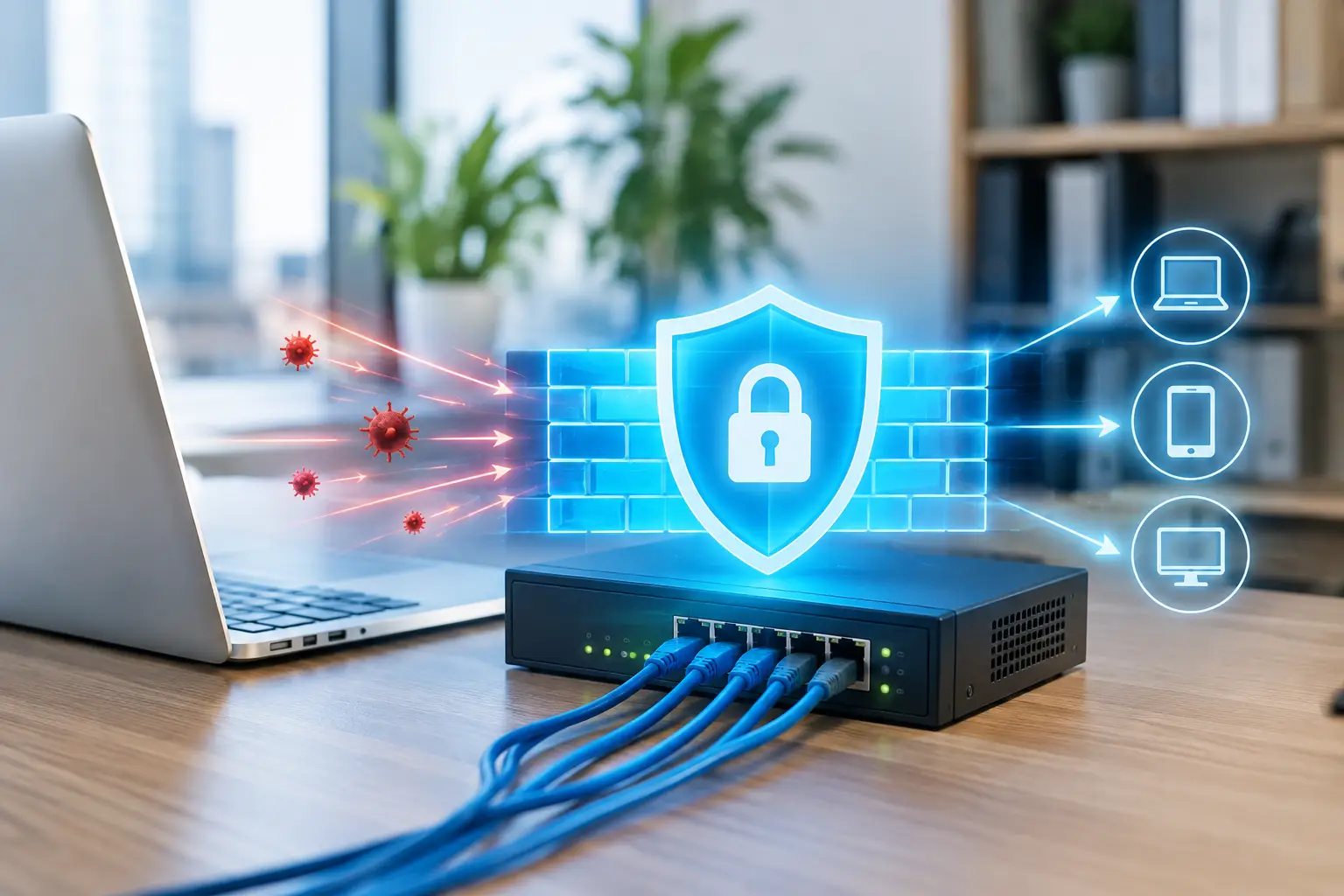
A phishing email only needs one employee to click once. A stolen password only needs to work once. Without the right controls, either event can give an attacker a path into the systems your business relies on for email, files, accounting, customer records, and daily communication. Network firewalls are one of the first controls that can limit that path and reduce the damage when something goes wrong.
For small and midsized businesses, a firewall is not simply a piece of equipment installed near the internet connection. It is a security decision point. It determines what traffic is allowed into and out of the network, flags suspicious activity, and helps prevent a local IT problem from becoming an operational disruption.
What Network Firewalls Actually Do
A network firewall sits between your internal network and external networks, including the public internet. It examines traffic against defined rules and decides whether to allow, block, inspect, or log it. Those rules can be broad, such as blocking known malicious sites, or highly specific, such as permitting a particular cloud application while restricting access from unmanaged devices.
The business value is straightforward: fewer unnecessary connections, less exposure to known threats, and more visibility into activity that could affect your operations. A properly configured firewall can help stop unauthorized remote access attempts, block malware communications, prevent access to risky websites, and control which applications can use your internet connection.
Modern firewalls often include capabilities that go well beyond basic port blocking. These may include intrusion prevention, web filtering, application control, antivirus scanning, encrypted traffic inspection, virtual private network access, and network segmentation. Together, these controls are often referred to as unified threat management or next-generation firewall functionality.
That does not mean every business needs every feature turned on at maximum sensitivity. Aggressive filtering can block a legitimate vendor portal, interfere with an application, or slow certain network activity. The goal is not to lock down the business so tightly that people cannot work. The goal is to apply sensible controls that protect the organization without creating avoidable friction.
Why a Basic Router Is Not Enough
Many offices still rely on the router supplied by their internet provider. It may offer basic firewall features, but basic protection is rarely enough for a business handling financial data, client records, employee information, or regulated information.
A consumer-grade router may not provide meaningful threat detection, detailed reporting, secure remote access, centralized management, or dependable support. It can also become difficult to manage as the business adds cloud applications, remote employees, wireless networks, IP phones, and connected devices.
A business-class firewall provides greater control and visibility. For example, it can separate guest Wi-Fi from employee systems, isolate internet-connected cameras from file servers, and restrict access between departments or devices that do not need to communicate. This approach, called segmentation, matters because attackers often look for ways to move laterally after gaining a foothold on one device.
If a compromised laptop can freely reach every shared folder, server, and workstation, one incident can spread quickly. If the network is segmented, the same compromised device may be limited to a much smaller portion of the environment while your IT team investigates.
The Firewall Features That Matter Most
The right firewall depends on your size, industry, applications, and risk tolerance. A law firm protecting confidential case files has different requirements from a retail business with multiple locations, and a healthcare office may need additional safeguards around sensitive patient information.
Still, several capabilities are valuable for most small and midsized organizations:
- Threat prevention helps identify and block known malware, exploit attempts, command-and-control traffic, and suspicious behavior.
- Web and DNS filtering limits access to malicious or inappropriate websites and can reduce the chance that users reach phishing pages.
- Secure remote access gives approved employees a protected way to connect to business resources without exposing internal systems directly to the internet.
- Application control allows the business to identify and manage applications using bandwidth or creating security concerns.
- Network segmentation separates critical systems, guest devices, wireless networks, and operational technology to reduce the impact of a breach.
- Logging and alerting provide the evidence needed to investigate incidents and identify recurring security or performance problems.
Features alone do not provide protection. They must be configured for your environment and reviewed over time. A firewall with outdated subscriptions, weak rules, inactive alerts, or unpatched firmware can create a false sense of security.
Configuration Is Where Security Becomes Practical
A firewall should reflect how your business operates. That begins with an accurate understanding of your network: the systems you use, who needs remote access, where sensitive data is stored, and which devices require special handling.
One common mistake is allowing overly broad access because it is easier in the short term. An open remote desktop port, a wide-ranging firewall rule for a vendor, or a permanent exception created during troubleshooting can become an entry point months later. Temporary access should have an owner, a documented reason, and an expiration date.
Another mistake is treating firewall management as a one-time project. Your network changes when you hire employees, replace a phone system, move applications to the cloud, add a new location, or introduce a line-of-business platform. Firewall rules should change with it.
Regular reviews can identify outdated rules, unmanaged devices, unusual traffic patterns, and services that no longer need to be exposed. For businesses without an internal security team, this is where a managed IT provider can provide real value. Monitoring and maintaining the firewall is not glamorous work, but it is essential work that keeps small issues from turning into outages or security incidents.
Firewalls and Remote Work
Remote and hybrid work have changed the network perimeter. Employees may work from home, travel between locations, or access cloud systems directly from personal networks. A firewall at the office remains necessary, but it is no longer the only place security needs to be enforced.
A practical approach combines the firewall with multi-factor authentication, endpoint protection, secure remote access, device management, and clear access policies. For example, a remote employee may use multi-factor authentication to access a secure connection, while the firewall restricts which internal resources that connection can reach.
Cloud applications also require attention. Traffic may not pass through the office firewall when employees work directly from home, but firewall policies can still protect office systems, branch locations, and site-to-site connections. Security policies should account for where people work and how they access data, rather than assuming all work happens inside one building.
Warning Signs Your Firewall Needs Attention
Businesses often discover firewall issues only after a ransomware event, a failed audit, or unexplained network outages. It is better to act when the warning signs are smaller.
Frequent internet slowdowns, unexplained connection drops, old hardware, inactive security subscriptions, and remote access that is difficult to control all deserve review. So do firewall rules that nobody can explain, shared administrator passwords, and a lack of reporting on blocked threats or unusual activity.
Compliance obligations can also be a trigger. Healthcare, legal, accounting, education, and nonprofit organizations may handle information that requires stronger access controls and clearer documentation. A firewall alone does not make an organization compliant, but it can support the technical safeguards and audit trail that many frameworks expect.
Build Firewall Security Into Your IT Plan
The most effective firewall strategy is connected to the rest of your IT plan. It should support reliable internet access, secure Wi-Fi, protected endpoints, backup and recovery planning, user training, and a clear incident response process.
Start by asking practical questions: Which systems cannot be unavailable? Who needs remote access? Are guest devices separated from business devices? Can you see attempted attacks and unusual traffic? Is someone accountable for updates, rule reviews, and response when an alert appears?
For many small businesses, the answer is not buying the most expensive appliance. It is choosing the right business-grade firewall, configuring it around real operational needs, and ensuring someone monitors it consistently. That is how security becomes a dependable part of keeping your business running, rather than another technology concern competing for your attention.
A well-managed firewall will not eliminate every risk, but it gives your business more time, more visibility, and more control when threats reach your network. That is a practical advantage worth protecting.