
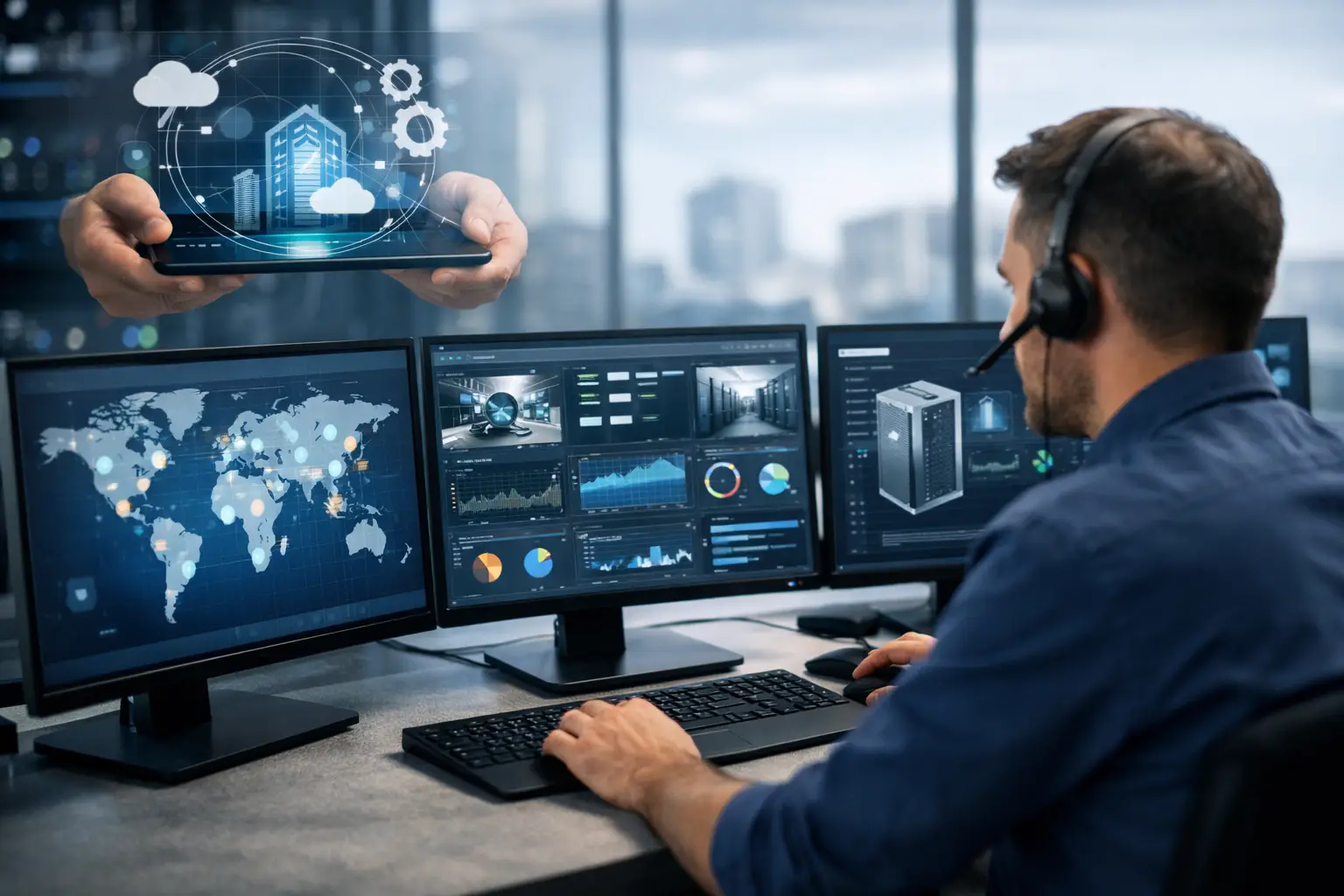
A server rarely fails at a convenient time. More often, it slows down on payroll day, a workstation misses critical updates before a phishing attack, or a storage alert sits unnoticed until users cannot access files. That is why remote monitoring and maintenance services matter for small and midsized businesses. They are not just a background IT function. They are a practical way to reduce downtime, catch problems early, and keep daily operations moving without waiting for something to break.
What remote monitoring and maintenance services actually do
At a basic level, remote monitoring and maintenance services give your IT provider ongoing visibility into the health of your systems. That includes servers, workstations, networks, cloud environments, backups, and security tools. Instead of relying on employees to report issues after productivity has already dropped, monitoring tools track performance, availability, patch status, storage capacity, antivirus health, and other indicators in real time.
Maintenance is the second half of the equation. Monitoring without action just creates alerts. Effective service means those alerts lead to patching, software updates, remediation, policy changes, cleanup, and escalation when a larger issue is developing. If a device is low on disk space, an application keeps crashing, or backups start failing, the goal is to correct the problem before it affects users.
For business owners and operations leaders, the value is straightforward. Fewer interruptions, faster response, and less time spent chasing recurring technology problems.
Why break-fix support is usually more expensive
Many smaller organizations still treat IT as an as-needed expense. If something goes wrong, they call someone. That approach can look cheaper on paper, especially if there is no full-time internal IT team. In practice, it often costs more.
When support starts only after failure, the business has already absorbed the damage. Employees lose time, customer service slips, deadlines get missed, and leadership gets pulled into a technical problem instead of focusing on the business. Emergency repairs also tend to be less predictable and more expensive than routine maintenance.
Remote monitoring shifts IT from reactive to preventive. That does not mean every issue disappears. Hardware still ages, software still conflicts, and users still make mistakes. But it does mean many common problems are identified while they are still manageable.
That distinction matters in regulated and operationally sensitive environments. A law office cannot afford document access issues before a filing deadline. A medical practice cannot wait hours to discover a system outage. An accounting firm during tax season needs consistency, not surprises.
Remote monitoring and maintenance services support more than uptime
Uptime is usually the first benefit businesses notice, but it is not the only one. Good monitoring also supports security, budgeting, and planning.
Better security hygiene
A surprising number of security incidents start with neglected basics. Devices miss critical patches. Antivirus services stop reporting. Backups fail quietly. Former employee accounts remain active longer than they should. Monitoring helps surface these conditions early so they can be corrected before they become an incident.
This is one reason remote monitoring should not be separated from cybersecurity strategy. If your IT partner is watching system health but not paying attention to endpoint protection, update compliance, suspicious activity, and backup status, there is a gap. Prevention works best when operations and security are managed together.
More predictable support costs
For small and midsized businesses, budgeting matters as much as technical performance. Ongoing monitoring and routine maintenance reduce the number of surprise emergencies that blow up the monthly IT spend. Flat-rate managed service models are often attractive for exactly this reason. They turn unstable support costs into something easier to forecast.
That does not mean every environment costs the same to support. A business with multiple locations, compliance requirements, legacy line-of-business applications, or aging servers will have different needs than a company running mostly cloud tools. Still, proactive service generally creates fewer financial surprises than break-fix support.
Clearer technology decisions
Monitoring data is useful beyond day-to-day support. It helps businesses make better decisions about replacements, upgrades, and risk. If a server has recurring performance alerts, backup issues, and capacity constraints, leadership can plan a replacement before it becomes urgent. If workstations are aging out and creating support tickets, a hardware refresh cycle becomes easier to justify.
Without that visibility, IT decisions tend to be reactive and rushed.
What a well-managed service should include
Not all remote monitoring and maintenance services are equal. Some providers install tools and send alerts but do little proactive work. Others treat monitoring as part of a larger managed IT program built around accountability and business continuity.
A solid service should include continuous monitoring of critical systems, routine patch management, alert response, backup monitoring, endpoint health checks, and documentation of recurring issues. It should also include clear escalation when a problem cannot be resolved quietly in the background.
Communication matters too. Business leaders should not have to guess whether their systems are healthy. They need periodic reporting that shows trends, risks, completed maintenance, unresolved issues, and recommendations. The goal is not to bury clients in technical detail. It is to give them confidence that someone is paying attention and taking action.
If your business depends on cloud applications, remote workers, VoIP phones, or multiple office locations, the scope should reflect that reality. Modern IT environments are broader than a back-office server closet. Monitoring needs to cover the systems people actually rely on to do their jobs.
Where remote monitoring has limits
Remote support is powerful, but it is not magic. Some problems still require onsite work, especially hardware failures, cabling issues, physical network changes, or office moves. Businesses should be careful with providers who present remote service as the answer to everything.
There is also a difference between receiving alerts and providing strategy. Monitoring can tell you a firewall is overloaded or that storage is running low. It cannot decide on its own whether your business should migrate to the cloud, replace aging infrastructure, or change security policies. That requires human oversight and business context.
This is where many organizations benefit from having one accountable technology partner rather than a patchwork of vendors. If one company handles day-to-day support, security, cloud systems, vendor coordination, and strategic guidance, issues are less likely to fall between the cracks.
How to tell if your business needs stronger monitoring
In most cases, the answer is yes, but the signs are usually visible before leadership recognizes the root cause. If employees regularly report slow systems, recurring login issues, failed updates, unreliable VPN access, printer outages, or backup concerns, the problem may not be user error or bad luck. It may be a lack of active oversight.
Another warning sign is when the business learns about problems from employees instead of from its IT provider. If no one notices a failed backup, low disk capacity, or offline device until staff are impacted, your current support model is probably too reactive.
The same applies when leadership has no clear picture of asset age, patch status, security posture, or support trends. You cannot manage operational risk well if your IT environment is mostly invisible until something breaks.
For businesses in places like Corte Madera, San Rafael, or Novato, where lean teams often need enterprise-level reliability without building a large in-house IT department, this gap shows up quickly. The organization still needs dependable systems, but there may not be internal capacity to watch them closely every day.
Choosing the right provider
The right provider should talk about business impact, not just tools. Monitoring platforms matter, but what matters more is who reviews alerts, how quickly issues are addressed, how maintenance is scheduled, and how clearly risk is communicated.
Ask practical questions. What systems are monitored? How often are patches reviewed? Who checks backup success? How are after-hours alerts handled? What happens when a recurring issue points to a bigger infrastructure problem? If the answers are vague, the service may be more limited than it appears.
It is also worth asking how monitoring connects to cybersecurity and long-term planning. A provider that only fixes immediate issues may help you stay afloat, but a provider that also helps reduce risk, improve performance, and plan future upgrades will deliver more value over time.
For many small and midsized businesses, that is the real purpose of managed IT. Not just fixing technology, but making it less distracting, less risky, and more reliable.
When remote monitoring and maintenance services are done well, your team notices fewer problems, leadership gets fewer unpleasant surprises, and the business spends more time serving customers than troubleshooting systems. That is where IT support should be focused – quietly protecting operations so your people can focus on the work that actually grows the business.