
A ransomware email lands in an employee inbox at 8:12 a.m. By 8:19, a file share is encrypted, phones start ringing, and your team is asking the same question every business owner dreads: how did this get through? For many growing companies, unified threat management for SMB is the point where security stops being a pile of disconnected tools and starts becoming a system that can actually be managed.
Small and midsized businesses rarely have the luxury of a full internal security team. What they do have is a mix of real business risk, limited time, and growing dependence on cloud apps, remote access, email, and shared data. That combination makes fragmented security a problem. If your firewall, web filtering, antivirus, VPN, and reporting all live in separate places, it becomes harder to spot issues early and easier for threats to slip through.
What unified threat management for SMB actually means
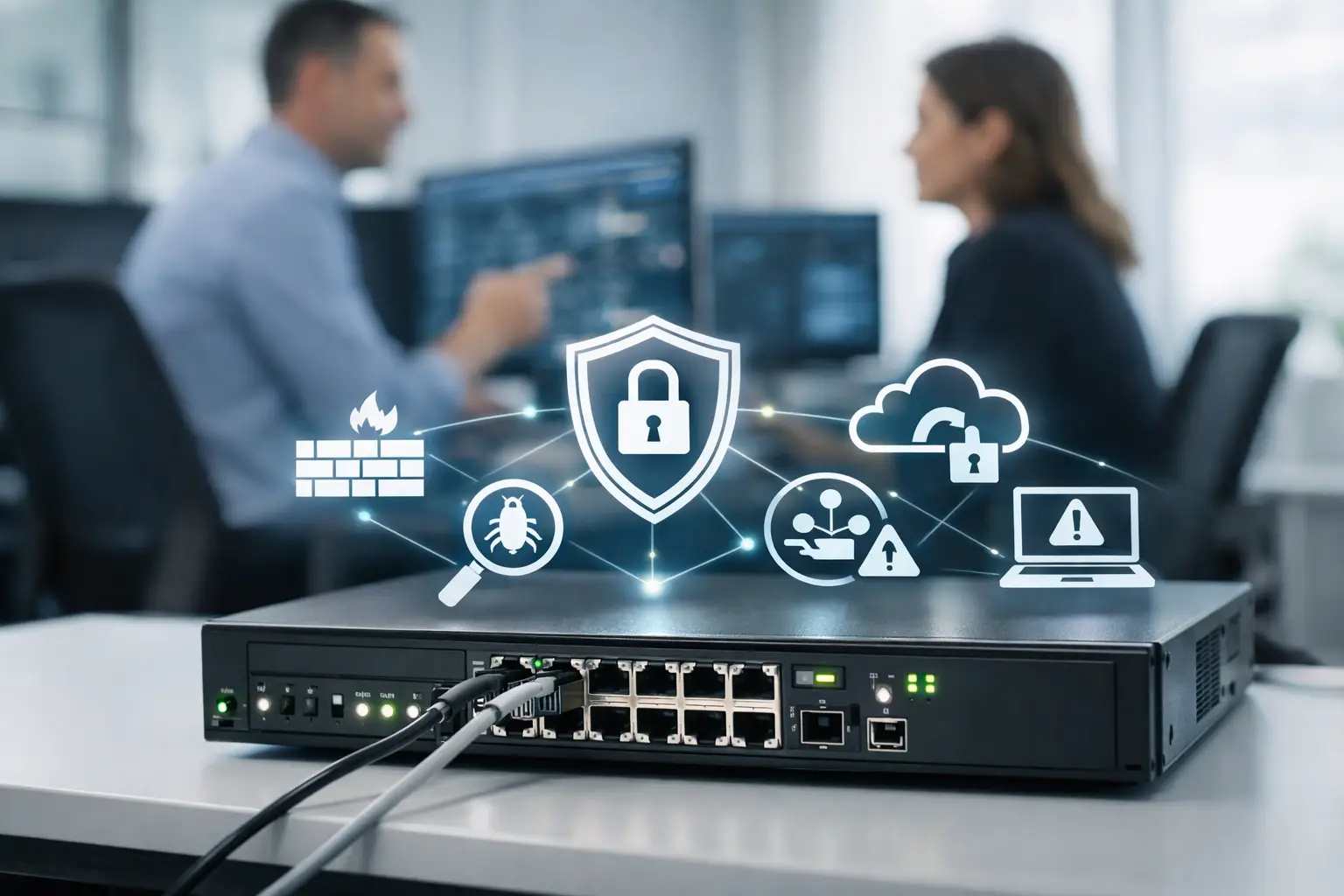
Unified threat management, often called UTM, combines several core security controls into a single platform. Instead of buying and managing one product for network firewalling, another for intrusion prevention, another for content filtering, and another for secure remote access, a UTM solution brings those functions together under one administrative umbrella.
For an SMB, that matters because security is not just about coverage. It is also about consistency. When policies are scattered across multiple vendors and consoles, one misconfiguration can create a gap big enough to expose payroll data, customer files, or line-of-business applications.
Most UTM platforms include next-generation firewall protection, intrusion detection and prevention, gateway antivirus, web filtering, application control, VPN services, and reporting. Some also add email security, sandboxing, and centralized cloud management. The exact mix depends on the platform, which is why the right answer is not simply to buy a device and plug it in.
Why SMBs struggle with security sprawl
Many smaller businesses build security one problem at a time. A compliance requirement leads to one tool. A phishing scare adds another. Remote work creates a need for VPN access. Before long, there are overlapping subscriptions, inconsistent alerts, and no clear owner of the bigger picture.
That approach can work for a while, but it creates operational drag. Your office manager is chasing vendor support tickets. Your internal administrator is trying to compare logs from unrelated systems. Updates get missed because everyone assumes someone else handled them. Security becomes reactive, not managed.
This is where UTM makes practical sense. It reduces the number of moving parts and gives decision-makers a clearer view of what is happening across the network. For organizations in healthcare, legal, accounting, education, and other environments where uptime and confidentiality matter, that visibility is not a nice extra. It supports day-to-day operations.
The business case for unified threat management for SMB
The value of UTM is not limited to blocking attacks. It helps businesses reduce risk in ways that show up in daily operations.
First, it simplifies oversight. A single dashboard is easier to review than five separate systems. That means suspicious traffic, policy violations, or failing protections are more likely to be noticed before they become incidents.
Second, it improves response time. When a security event occurs, your IT partner can trace what happened faster if logs, policies, and controls are coordinated. Minutes matter when a user clicks a malicious link or a device starts communicating with a known bad destination.
Third, it can lower the administrative burden. Managing one integrated platform is generally more efficient than juggling several unrelated products. That does not always mean lower sticker cost, but it often means better value once labor, maintenance, and downtime are considered.
Fourth, it supports more consistent policy enforcement. Web access rules, remote access settings, and network protections can be aligned so employees are not operating in a patchwork environment.
What a UTM solution should include
A good UTM deployment starts with the basics done well. The firewall should control traffic intelligently, not just open and close ports. Intrusion prevention should inspect traffic for suspicious behavior. Web filtering should reduce exposure to malicious or inappropriate destinations. VPN access should be secure and manageable for remote users.
Reporting also matters more than many businesses realize. If a security platform cannot show trends, attempted threats, policy hits, and anomalies in a way that supports action, it is harder to prove value and harder to improve your environment over time.
For some SMBs, advanced features are worth considering. If your team relies heavily on email attachments, cloud applications, or remote offices, you may need stronger inspection capabilities, better application awareness, or centralized management across locations. A small nonprofit and a multi-office law firm may both be SMBs, but they do not have the same risk profile.
Where UTM fits – and where it does not
UTM is valuable, but it is not the whole security strategy. That is one of the most common misunderstandings.
A UTM appliance or platform protects the network edge and helps enforce traffic policy. It does not replace endpoint detection, user training, multi-factor authentication, backup strategy, patch management, or access control. If a stolen password is used to log into a cloud app directly, a firewall alone may never see that event in a useful way.
That is why the best UTM deployments are part of a broader managed security approach. The platform should work alongside endpoint protection, cloud security controls, vulnerability management, and support processes that ensure alerts are reviewed and acted on.
There are also cases where a traditional UTM model may need adjustment. If your workforce is highly distributed and most applications are cloud-based, security design may shift toward identity management, endpoint controls, and cloud-delivered security services. The network still matters, but the perimeter is less defined than it once was.
How to evaluate unified threat management for SMB
The right solution depends on how your business operates, not just how many users you have. Start by looking at your traffic patterns, number of locations, remote access needs, compliance obligations, and internal IT capacity.
A company with one office and a stable on-site server environment may prioritize strong perimeter security and dependable VPN performance. A business with multiple sites, VoIP phones, and cloud applications may care just as much about traffic prioritization, centralized policy management, and uptime across branches.
It is also worth asking who will own the platform after deployment. Buying UTM without active monitoring, maintenance, policy review, and firmware management can create a false sense of security. The platform is only as effective as the oversight behind it.
For many organizations, this is where a managed IT provider adds value. Instead of handing over hardware and moving on, a good partner aligns the UTM environment with business workflows, keeps protections current, and adjusts policies as your operations change. That is especially relevant for SMBs that want enterprise-level protection without building an internal security function from scratch.
Common mistakes SMBs make
One common mistake is choosing based only on price. Lower-cost platforms may look attractive, but if they generate noisy alerts, lack meaningful reporting, or struggle under real traffic loads, the savings disappear quickly.
Another mistake is overbuying. Some businesses end up with enterprise complexity they will never use. If the tool requires specialized in-house expertise that you do not have, it may sit partially configured or poorly maintained.
A third issue is treating deployment as a one-time project. Threats change, users change, and business systems change. Security policy has to keep pace. A UTM environment that was configured three years ago and rarely reviewed is not a managed security program.
Why this matters for growing organizations
As businesses grow, the cost of IT disruption rises with them. More users, more devices, more vendors, and more cloud services create more ways for problems to spread. A practical security strategy has to support growth without creating constant administrative friction.
Unified threat management for SMB gives smaller organizations a way to bring order to network security. It helps reduce blind spots, improve consistency, and make security operations more manageable. That is not the same as buying one box and forgetting about the problem. It means creating a stronger foundation that supports uptime, productivity, and better decision-making.
For business owners and operations leaders, the real question is not whether you have security tools. It is whether those tools work together in a way that protects the business without draining time and attention from everything else. When security is organized, maintained, and tied to business priorities, your team spends less time reacting and more time getting work done.
That is the goal – not more technology for its own sake, but fewer surprises, clearer accountability, and an IT environment you can rely on.