
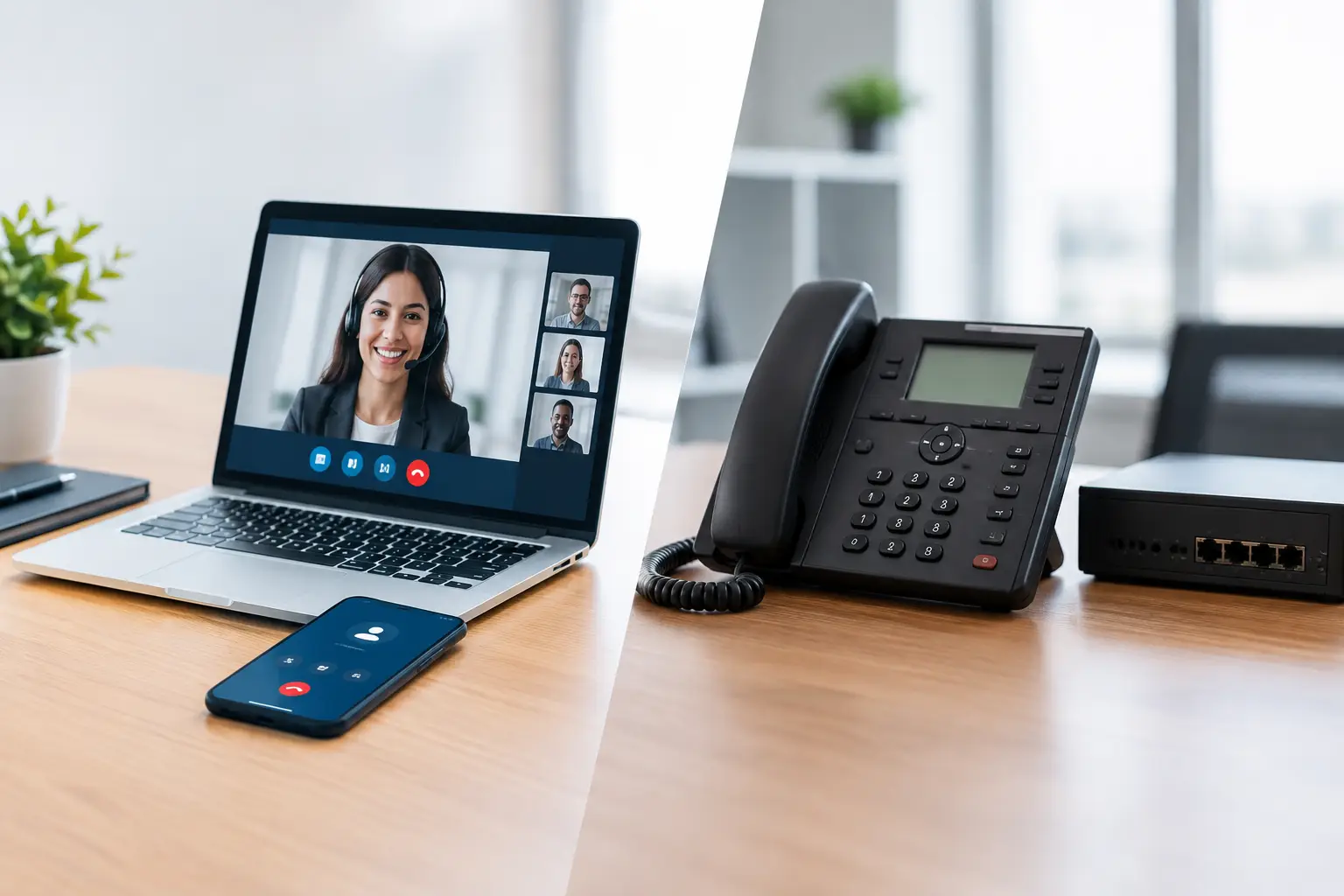
A missed call can mean a missed client, delayed patient care, or a project that stalls while someone tries to find the right person. That is why the VoIP vs PBX for offices decision is not simply about replacing desk phones. It is a decision about how reliably your team can communicate, how easily your system can adapt, and who is accountable when something stops working.
For small and midsized organizations, the right answer depends on more than the monthly price. Your internet connection, office setup, growth plans, security requirements, and support model all matter. A phone system that looks inexpensive at purchase can become costly if it creates downtime, requires specialized maintenance, or makes remote work difficult.
What Is the Difference Between VoIP and PBX?
A traditional PBX, or private branch exchange, is the equipment that routes calls inside an organization and connects them to external phone lines. Historically, a PBX system lived in a phone closet or server room and relied on physical telephone wiring and carrier circuits. It gave businesses control over extensions, call routing, voicemail, and other internal phone functions, but it also required hardware, maintenance, and periodic upgrades.
VoIP stands for Voice over Internet Protocol. Rather than carrying calls over conventional telephone lines, VoIP converts voice into data and sends it across an internet connection. Employees can use desk phones, computer applications, mobile apps, or headsets to make and receive calls through the same business number.
The comparison can become confusing because these terms are not always opposites. A business can run an on-premises PBX that uses VoIP calling. However, when most organizations discuss VoIP versus PBX, they are comparing a cloud-hosted phone service with a traditional, on-site phone system.
VoIP vs PBX for Offices: The Operational Difference
The most meaningful distinction is where the system is managed. With a traditional PBX, your business owns or leases the phone hardware at its location. Your team, an IT provider, or a phone vendor must maintain that equipment. Adding users may require new cards, licenses, wiring, or configuration work. If the PBX fails, restoring calling service depends on the hardware, the carrier connection, and the availability of qualified support.
With hosted VoIP, the calling platform runs in the provider’s data center. Your office needs compatible phones, a properly configured network, and a dependable internet connection. User administration, updates, call routing, voicemail, and features are typically managed through a web portal. New employees can often be added without installing another piece of on-site phone infrastructure.
This difference has direct consequences for business continuity. A traditional PBX can continue supporting internal dialing during an internet outage, depending on its configuration. Yet external calling may still fail if carrier lines or local equipment are affected. A cloud VoIP system is dependent on internet access at the office, but calls can often be redirected to mobile devices, another site, or remote employees when the primary location is unavailable.
Cost: Upfront Investment Versus Predictable Monthly Spending
A traditional PBX usually requires a larger initial investment. Costs may include the PBX appliance, handsets, wiring, installation, carrier circuits, licenses, and a maintenance agreement. This approach can make financial sense for organizations with stable headcounts, existing infrastructure, and specialized phone requirements that are well served by on-site equipment.
VoIP generally shifts more of that expense into a recurring monthly cost per user. The initial investment is often lower, particularly for businesses moving into a new office, replacing aging equipment, or supporting hybrid teams. The trade-off is that recurring licensing continues for as long as the service is in use.
Neither model is automatically less expensive over its full lifespan. Compare total cost of ownership over three to five years, not just the first invoice. Include carrier fees, hardware replacement, support labor, moves and changes, feature licenses, backup connectivity, and the cost of downtime. A system that requires a vendor visit every time an employee changes roles can quietly consume an operations budget.
Flexibility for Hybrid Teams and Growing Offices
VoIP has a clear advantage when employees work from multiple locations. A user can answer their extension from a laptop, mobile app, home office phone, or desk phone. Teams can transfer calls, use shared voicemail, receive call queues, and maintain a consistent business presence without tying every employee to a physical desk.
That flexibility matters for more than fully remote companies. A legal office may need attorneys to return client calls after court. An accounting firm may need seasonal staff during tax deadlines. A healthcare practice may need calls to move quickly between the front desk, billing staff, and on-call personnel. With the right configuration, VoIP can support those changing work patterns without redesigning the phone environment each time.
A PBX can support remote users, but doing so often requires additional hardware, virtual private network access, or specialized configuration. For an office with little turnover, a single location, and fixed calling needs, that limitation may be acceptable. For a growing organization, it can become an operational constraint.
Reliability Depends on More Than the Phone System
It is a mistake to assume that traditional phone lines are always reliable and internet-based calling is always risky. Reliability comes from the whole environment: carrier performance, network design, power protection, internet redundancy, equipment quality, and support response.
VoIP calls need sufficient bandwidth, but they also need stable network performance. Congestion, poorly configured Wi-Fi, weak switches, or competing traffic can cause choppy audio, delay, or dropped calls. Voice traffic should be prioritized on the network, and the business should understand what happens if the primary internet circuit fails.
A well-designed VoIP deployment may include a backup internet connection, battery backup for network equipment, automatic call forwarding, and documented failover procedures. If the office loses power or internet service, calls can route to designated mobile phones or another location. That plan can be more practical than hoping an aging PBX will remain available during a local disruption.
Security and Compliance Need a Place in the Decision
Phone systems carry sensitive information more often than many businesses realize. Voicemail messages may contain client details, appointment information, financial discussions, or internal decisions. Call records can reveal who your organization works with and when. For regulated industries, handling those details responsibly is part of the job.
Cloud VoIP providers may offer encryption, multi-factor authentication, access controls, call logging, and administrative audit trails. But those protections must be configured and managed correctly. Weak passwords, overly broad administrator access, unprotected voicemail, and phishing attacks against users can undermine the platform.
An on-premises PBX gives an organization more direct control over its equipment, but it also creates direct responsibility for patching, securing, backing up, and monitoring that equipment. If a system is no longer supported by its manufacturer, the risk increases quickly. Security should be evaluated as an ongoing management responsibility, not a feature checked off during a purchase.
When a Traditional PBX Still Makes Sense
A PBX is not obsolete simply because cloud calling is common. An on-premises system can be a sensible option when an organization has unique analog devices, specialized integrations, strict local-control requirements, or an existing investment that is still reliable and supported.
For example, a facility may rely on door entry systems, overhead paging, alarm panels, fax lines, elevator phones, or older equipment that is difficult to migrate. In these cases, the practical choice may be to retain some PBX or analog infrastructure while moving employee calling to VoIP over time.
The key question is whether the existing system supports the way the business operates now. Keeping a PBX because it is familiar is not a strategy. Keeping it because it meets documented operational, financial, and continuity requirements can be.
How to Choose the Right Office Phone System
Start with how calls move through your business. Look at call volume, peak periods, reception needs, remote staff, voicemail requirements, client expectations, and the consequences of an outage. Then assess the network that will support the system. A phone solution should not be selected before the internet connection, Wi-Fi coverage, switches, and power protection have been evaluated.
Ask who will manage the system after deployment. Someone needs to handle user changes, troubleshoot call quality, review security settings, coordinate carriers, and test failover. Small businesses often benefit from having one accountable technology partner rather than separate phone, internet, and IT vendors pointing to one another when calls fail.
The best phone system is the one that lets your team answer clients, coordinate work, and keep operating when conditions are less than ideal. Whether that leads to cloud VoIP, an updated PBX, or a carefully planned hybrid approach, the decision should reduce complexity rather than move it somewhere your business cannot see.