
A phone system becomes visible the moment it fails. A receptionist cannot transfer a customer, a remote employee misses a key call, or an office outage takes every desk phone offline. For small and midsized businesses, the cloud phone versus traditional phones decision is not really about handsets. It is about continuity, service quality, security, and how easily your team can work from wherever business happens.
Traditional systems can still be the right answer in limited circumstances, particularly where internet service is unreliable or a site has specialized analog equipment. But for many organizations, cloud phones offer a more practical fit for hybrid work, predictable operations, and growth without constant hardware changes.
Cloud phone versus traditional phones: the core difference
A traditional business phone system usually relies on on-site equipment, such as a private branch exchange (PBX), connected to phone lines supplied by a carrier. Calls are routed through hardware installed at the office. Depending on the system, this may include legacy copper lines, digital circuits, or a more modern on-premises phone platform.
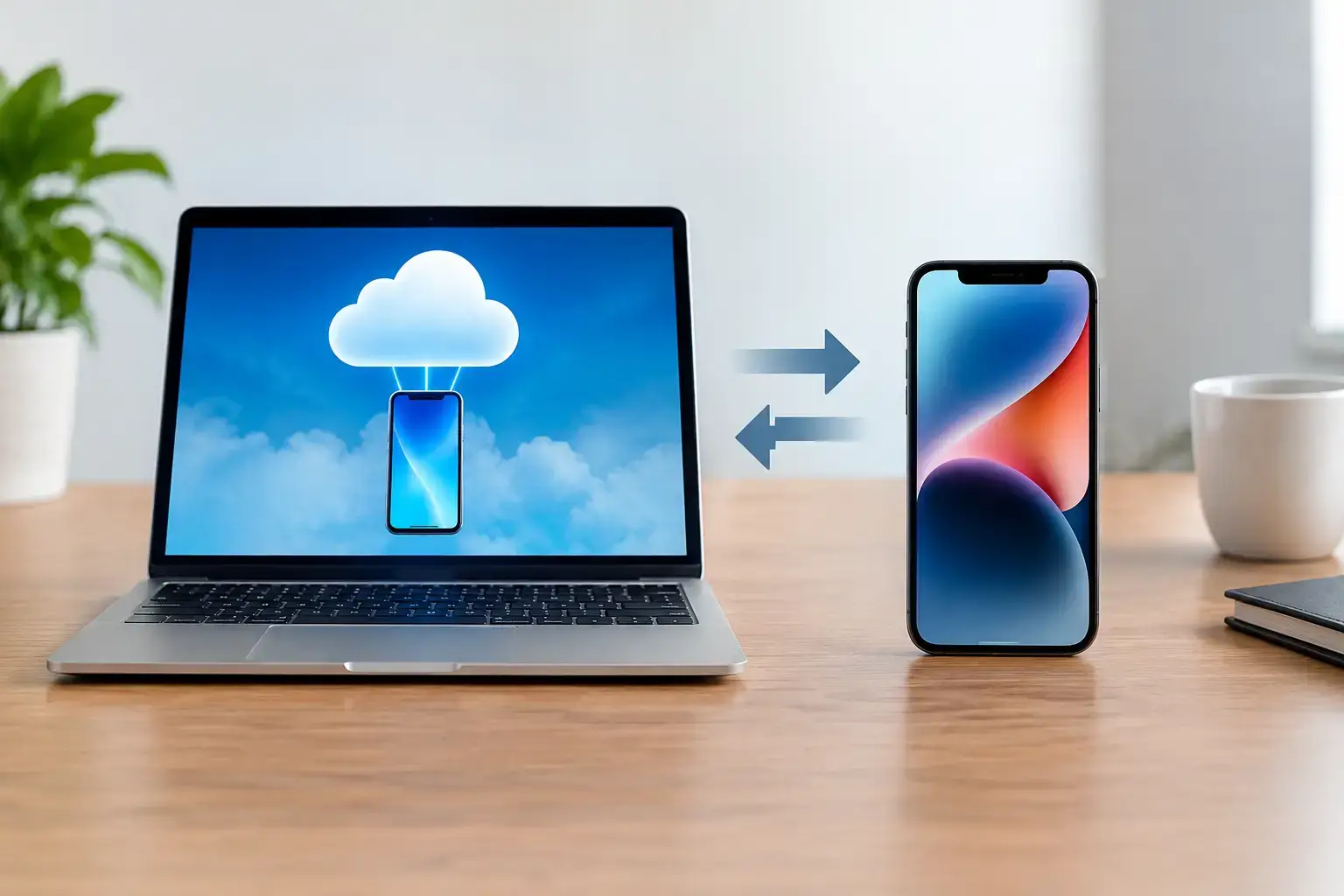
A cloud phone system, often called hosted VoIP, routes calls over an internet connection through provider-managed infrastructure. Instead of housing the main phone system in a server closet, employees use desk phones, softphone applications, mobile apps, or headsets connected to the cloud platform. Administration, call routing, voicemail, and many business features are handled through an online portal.
The distinction matters because it changes who maintains the system, how quickly it can adapt, and what happens when employees are away from the office. A cloud system does not eliminate the need for dependable internet, thoughtful setup, or support. It shifts the operational model from managing local phone hardware to managing a communications service.
Where cloud phones create business value
For a growing business, adding a new employee to a traditional system may require available ports, compatible handsets, carrier changes, and sometimes an on-site technician. With a cloud platform, a new user can often be assigned an extension and calling permissions without adding equipment at the main office. The employee can begin taking business calls through a desk phone or approved app.
That flexibility is particularly valuable for firms with field staff, multiple offices, seasonal hiring, or hybrid schedules. An accounting firm can route calls to the appropriate department during tax season. A healthcare office can keep its main number active when staff need to work from another location. A nonprofit can provide consistent calling tools to employees and volunteers without asking everyone to publish personal cell numbers.
Cloud systems also consolidate features that may otherwise require separate services. Common capabilities include auto attendants, call queues, voicemail-to-email, call forwarding, mobile access, conferencing, business texting, and reporting. These functions can help a smaller organization present a more responsive, organized experience without maintaining enterprise-scale phone infrastructure.
The operational benefit is not simply having more features. It is making sure calls reach the right person, messages are not lost, and employees have a consistent way to communicate with customers. When configured well, the phone system supports the workflow instead of forcing people to work around it.
The trade-offs: internet, power, and call quality
Cloud phones depend on your network. If internet bandwidth is limited, Wi-Fi coverage is inconsistent, or the firewall is poorly configured, voice quality can suffer. Users may hear delay, choppy audio, or dropped calls. A cloud phone project should therefore begin with a network assessment, not just a handset order.
Power is another consideration. Traditional analog lines could often continue operating during a local power outage if the phone itself did not need electricity. Most cloud desk phones require power and internet service. A battery backup, properly sized uninterruptible power supply, backup internet connection, and call-forwarding plan can reduce this risk. In some cases, a cellular backup connection is appropriate for critical communications.
Emergency calling also requires attention. Each user and device should have accurate location information so emergency services can be directed correctly. This is especially important when employees work remotely or move phones between locations. A managed provider should help establish and maintain these procedures rather than treating them as an afterthought.
Traditional systems have trade-offs of their own. They can deliver familiar call quality and may continue serving a single location reliably, but they require maintenance, are harder to extend to remote staff, and can become expensive to repair or expand. Replacement parts, specialist support, and aging carrier services may add costs that are difficult to predict.
Cost is more than the monthly phone bill
Cloud phones are generally billed per user or per extension each month. That creates a predictable operating expense and usually lowers the upfront cost of deploying a system. Businesses avoid purchasing and maintaining a large on-premises PBX, although they may still need compatible phones, network improvements, and professional implementation.
Traditional phones may look less expensive when the existing equipment is already paid for. That comparison can be misleading. Consider the cost of service calls, carrier contracts, replacement hardware, software licensing, moves and changes, and the time staff spend dealing with phone issues. If a system cannot support remote work or requires a technician for every adjustment, those limitations have a real operational cost.
The right question is not whether cloud phone service is cheaper in every scenario. It is whether the total cost supports the level of reliability and flexibility your organization needs. A stable single-site business with a simple calling pattern may receive adequate value from an existing traditional system. A business with changing staff, multiple locations, or customer-service demands often benefits more from a cloud model.
Security and compliance need to be part of the decision
Business calls can contain sensitive information: client details, payment discussions, patient scheduling, legal matters, and internal decisions. Moving phone service to the cloud does not automatically create a security problem, but it does require sound controls.
Access to administrative portals should be protected with strong passwords and multifactor authentication. User permissions should limit who can change call routing, access recordings, or create forwarding rules. Former employees need to be removed promptly, and call logs or recordings should be retained only as long as business and compliance requirements justify.
Organizations in healthcare, legal services, accounting, education, and other regulated fields should also review how their phone provider handles data, recordings, messaging, and vendor obligations. Compliance depends on the complete process, not a feature label. A phone system should fit your policies for privacy, record retention, incident response, and employee access.
Network security matters as well. Voice traffic should be protected by a properly managed firewall, secure Wi-Fi, current firmware, and network segmentation where appropriate. This is one reason communications should not be treated as a separate island from the rest of IT. The phone system depends on the same network, identity controls, and support processes that keep the rest of the business running.
How to choose the right phone model
Start with the way calls move through your organization. Identify which roles answer the main line, where calls need to be transferred, what happens after hours, and which teams need mobile access. Review recurring frustrations, such as missed calls, unclear voicemail ownership, long hold times, or staff using personal phones for business.
Next, assess the network and resilience plan. Test internet capacity during busy periods, verify Wi-Fi coverage in areas where calls are taken, and document what happens during an internet or power outage. Determine whether critical lines need backup connectivity, failover routing to mobile devices, or an alternate location.
Then look beyond the base monthly rate. Compare implementation support, number porting, user training, ongoing administration, security controls, hardware warranties, and help desk coverage. A lower-cost service is not a better choice if your staff cannot get timely help when the main number stops routing correctly.
For businesses replacing an aging PBX, migration planning deserves special care. Phone numbers must be ported correctly, auto attendants should be tested, emergency locations need to be accurate, and employees need clear instructions before go-live. Running a small pilot or validating call flows with department leads can prevent disruption on launch day.
ZeroIn helps businesses evaluate communications as part of the larger IT environment, including network readiness, cybersecurity, backup planning, and day-to-day support. That approach reduces the chance that a phone upgrade creates new operational problems elsewhere.
The best phone system is the one your team can rely on when customers need an answer. Choose the model that supports your current workflow, prepares for reasonable growth, and has a tested plan for the moments when connectivity does not go as expected.