
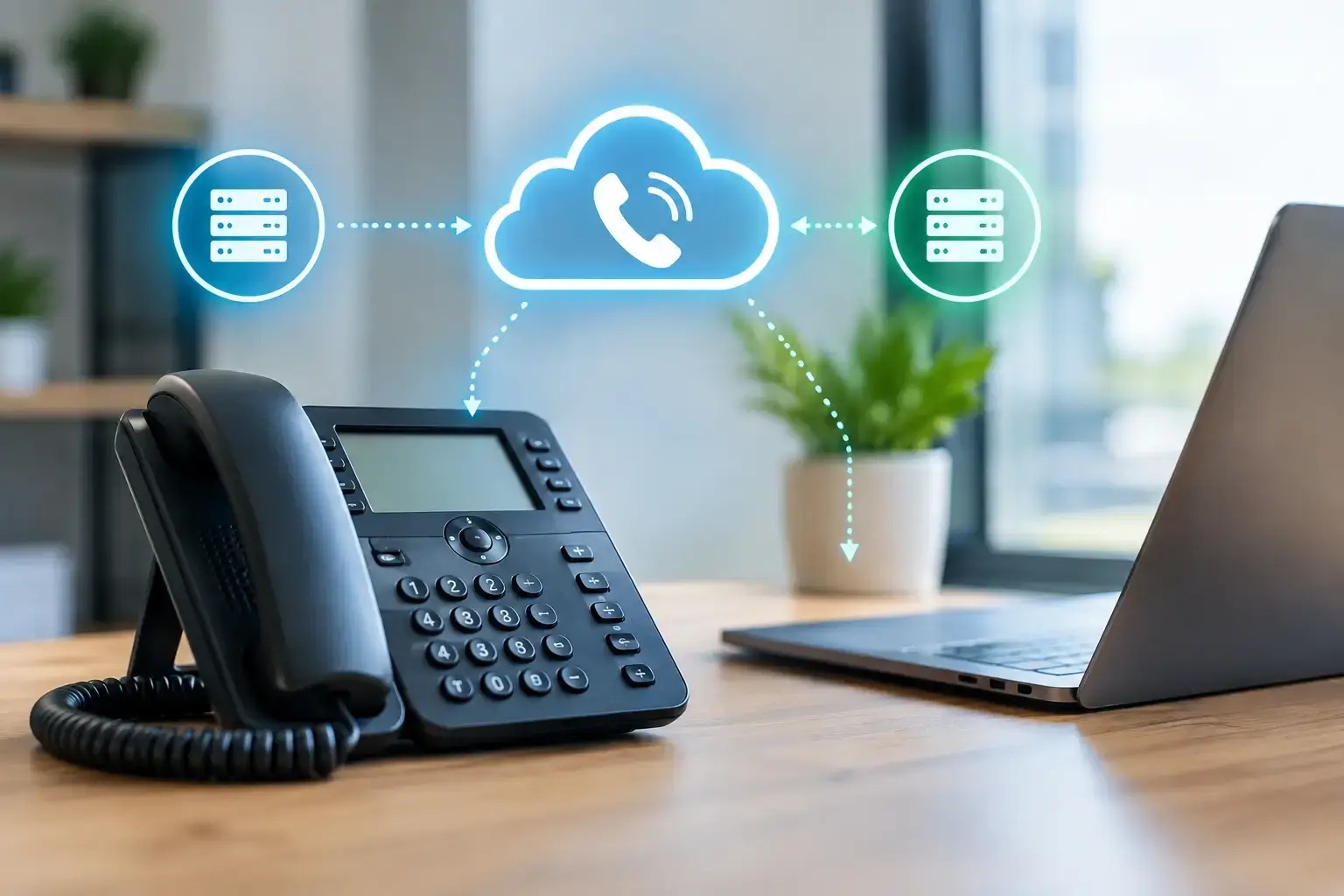
A phone outage is rarely just a phone outage. When customers cannot reach your front desk, sales team, clinic, or service department, missed calls quickly become missed revenue, delayed service, and unnecessary pressure on staff. To configure VoIP failover effectively, your business needs more than a backup internet connection. It needs a tested plan for where calls go, how employees answer them, and what happens when the outage affects more than one system.
For small and midsized businesses, the goal is practical: keep inbound and outbound communications available without asking employees to become network engineers during an emergency. The right design depends on your phone provider, internet connections, office setup, and operational priorities.
Why VoIP Failover Needs More Than Backup Internet
VoIP relies on several components working together: internet service, network equipment, power, the phone platform, and user devices. A failure in any one of these areas can interrupt calls. That is why a secondary internet circuit alone does not guarantee that callers can still reach your team.
For example, a cable outage may be resolved by routing office traffic through a secondary fiber, fixed wireless, or cellular connection. But if the office loses power, desk phones, switches, and Wi-Fi access points may still go offline unless they are supported by battery backup or a generator. If the VoIP provider has a service disruption, changing internet providers may not help at all. Calls may need to be redirected to mobile phones, another office, or an answering service.
A reliable design separates these scenarios. It identifies what must stay available, how quickly calls need to recover, and which fallback method makes sense for each department. A legal office may need reception calls routed to a live person immediately. A retail location may prioritize card processing and customer calls. A healthcare practice may need to preserve call coverage while protecting patient information and avoiding personal voicemail for sensitive messages.
Start With a Clear Failure Plan
Before changing phone settings, document your current call flow. Follow a typical inbound call from the main business number through the auto attendant, ring groups, call queues, voicemail, and individual extensions. Then identify the people or destinations that should receive calls if the office cannot answer normally.
Keep this plan focused on business decisions, not just technology. Decide whether callers should hear a temporary outage message, reach an on-call employee, enter a remote queue, or leave voicemail that can be monitored offsite. Consider after-hours and holiday rules as well. A failover setup that works at 10 a.m. but sends emergency calls to an unattended line at 6 p.m. creates a false sense of readiness.
You should also define who can authorize changes. During an outage, staff should not have to search for provider credentials or wait for a former employee to approve call forwarding. Store escalation contacts and account details securely, and make sure more than one authorized person can access them.
How to Configure VoIP Failover for Common Outages
The strongest approach combines network failover with carrier-level call routing. Each layer addresses a different point of failure.
Use a Secondary Internet Connection
Install a backup connection that does not rely on the same infrastructure as the primary circuit whenever possible. Pairing cable and fiber, or fiber and fixed wireless, generally provides better protection than using two connections delivered through the same local network. Cellular can be a useful backup for smaller offices, but its capacity and signal strength must be validated before relying on it for many simultaneous calls.
Your firewall or router should monitor the primary connection and automatically move traffic to the backup when it detects a failure. Configure health checks that test reliable external destinations rather than simply checking whether the modem appears online. A connection can remain technically active while being too impaired to support calls.
Voice traffic should receive priority on the backup connection. Quality of service settings can help prevent large file transfers, cloud backups, or guest Wi-Fi activity from causing choppy audio. If bandwidth is limited, decide which users, extensions, or services receive priority during failover.
Set Provider-Level Call Forwarding
Internet failover keeps an office connected, but provider-level forwarding protects inbound calls when the office itself is unreachable. Configure your VoIP provider to redirect calls from the main number to designated mobile numbers, a remote receptionist, another site, or an answering service when registration with the office phones fails.
Use a sequence rather than sending every call to one employee. For instance, the main number might first ring a remote call queue, then a manager’s mobile device, and finally an after-hours service if nobody answers. This prevents one person from becoming the single point of failure.
Confirm whether forwarding is automatic or requires manual activation. Some providers support rules based on device availability, while others require an authorized user to activate call forwarding from an administrative portal. Automatic routing is faster, but it must be tested carefully to avoid loops, such as forwarding a main number to a mobile number that is configured to forward back to the main number.
Enable Remote Answering Options
A cloud-hosted phone system often allows employees to answer calls through desktop applications, browser-based softphones, or mobile apps. These options give your team a workable fallback when desk phones are unavailable, provided they have internet or cellular service.
Set up these tools before an incident occurs. Employees should sign in, verify their caller ID behavior, and understand which calls they are expected to answer. For departments that handle confidential information, establish clear rules for using personal devices. A mobile app may be appropriate, while SMS forwarding, personal voicemail, or unapproved recording apps may not meet your privacy or compliance requirements.
Protect Power and Local Network Equipment
If the internet circuit is available but the firewall, switch, or wireless network loses power, calls will still fail. Connect essential network equipment to appropriately sized uninterruptible power supplies. At a minimum, protect the firewall, internet modem or termination equipment, core switch, and wireless access point needed for staff to connect.
Battery runtime should match your realistic response window. Fifteen minutes may be enough for a brief utility interruption, but not for a prolonged outage. Where continuous communication is critical, consider generator support, remote power monitoring, and a plan to shift calls offsite before batteries are exhausted.
Test Failover Before You Need It
Failover is only dependable when it has been tested under controlled conditions. Schedule tests at least twice a year and after meaningful changes to your internet service, firewall, phone provider, office layout, or call-routing rules.
During a test, disconnect the primary internet connection or simulate its loss at the firewall. Confirm that the backup circuit takes over, calls remain clear, desk phones re-register, and remote users can access their calling tools. Then test an office-wide failure scenario by confirming that inbound calls follow the provider-level forwarding rules.
Document results, including recovery time, audio quality, which users received calls, and any instructions that caused confusion. A test often exposes small but consequential gaps: a manager’s mobile number has changed, a backup circuit has weak reception, or the person assigned to answer overflow calls is not available on Fridays.
Monitoring also matters. Your IT team should receive alerts when a primary connection fails, a backup circuit activates, or network devices lose power. Staff need a simple communication procedure so they know whether to continue working normally, switch to the mobile app, or begin answering forwarded calls.
When Simple Failover Is Not Enough
Some organizations need more than basic call forwarding. Multi-site businesses, high-volume support teams, and organizations with strict continuity requirements may benefit from a cloud contact center, redundant SIP providers, geographically distributed call queues, or dedicated SD-WAN connectivity. These options can improve resilience, but they add cost and administrative complexity.
The right level of protection depends on the cost of being unreachable. If a short interruption means a few missed inquiries, a secondary internet circuit and mobile forwarding may be sufficient. If missed calls affect patient access, emergency service coordination, active legal matters, or contract commitments, a more layered design is justified.
A well-configured failover plan should feel uneventful to customers and manageable to employees. Build it around your real call flow, test it under pressure, and update it whenever your people, providers, or business priorities change. That preparation keeps a local outage from becoming a business-wide disruption.